See 3D with no glasses and no headset
Depth is already in the picture — left eye and right eye get slightly different views. Free-viewing is the trick of giving each eye its own half. It takes about thirty seconds to learn, and then it works on any phone, laptop or TV you already own.
No headset. No glasses. No app. Nothing to install, and nothing about your file leaves your device.
1 Merge the two dots
Look at the two ✚ marks below. Keep the screen at arm's length. Bring the marks together until the middle one snaps into focus — you should end up seeing three marks, with the centre one sharp and floating behind the screen.
Trick: stare at something 2–3 m away, then move your attention to the marks without re-focusing.
2 Now hold it on a real depth image
Same technique, same distance. This is a real side-by-side frame — left half for your left eye, right half for your right eye. If your merge is right, the scene opens up in depth.
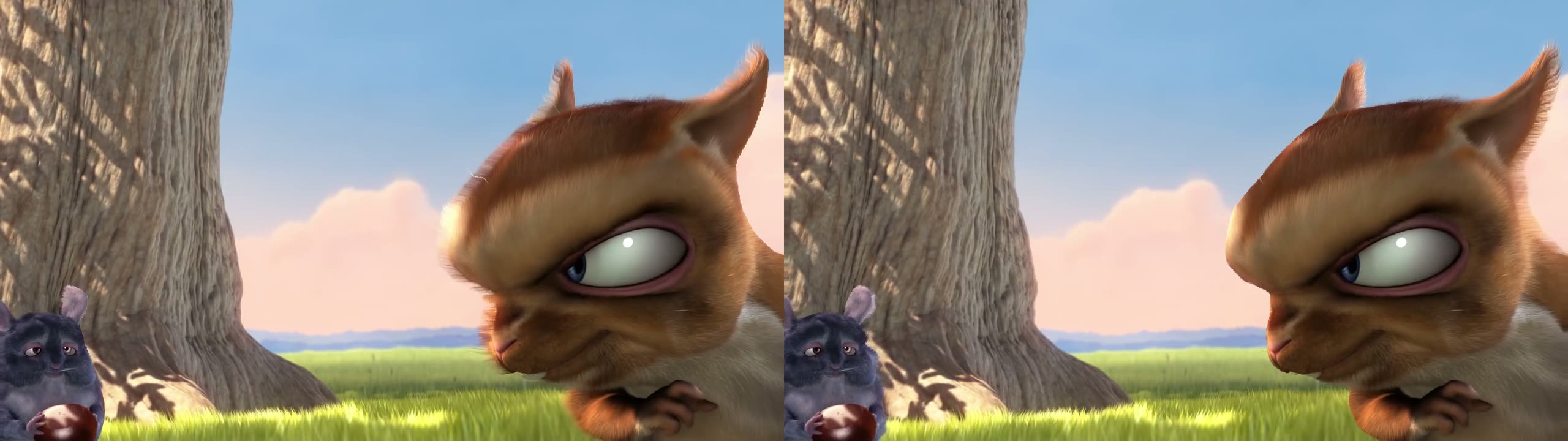 LEFT EYERIGHT EYE
✓ That's it — you can free-view
You just unlocked the hardest part. Every SBS image on this site works the same way, and so does every file you convert.
◇ Not everyone's eyes lock on the first try
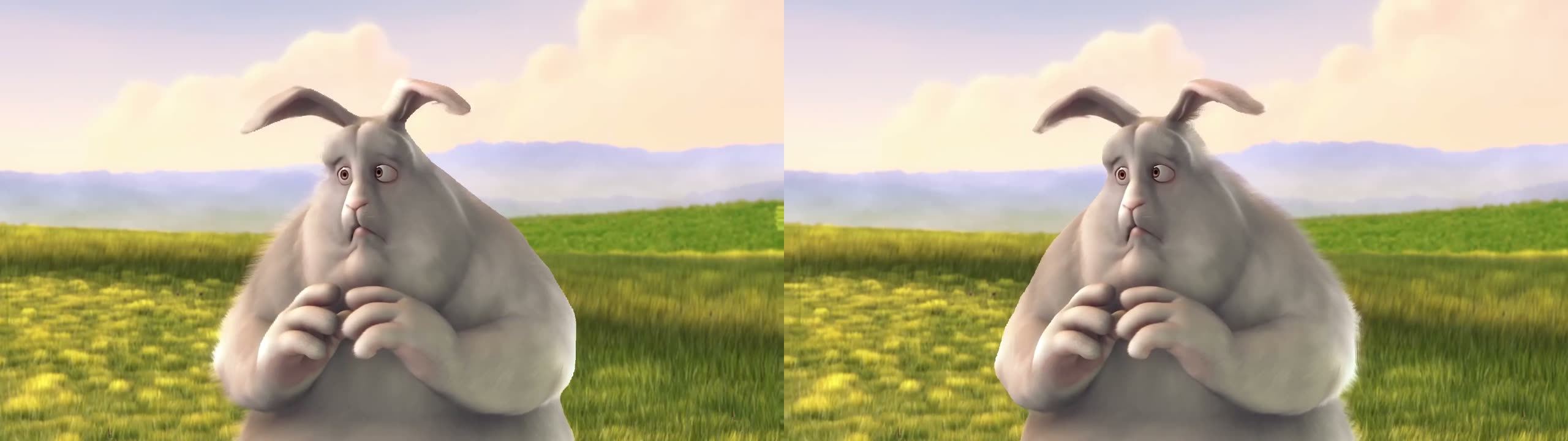
Free-viewing is a muscle, and roughly a third of people need a crutch at first. Pick the next rung down — all three still show depth on this screen:
Why this works without any hardware
A photo taken with a normal camera has no depth in it. The converter estimates depth per pixel with an AI model, then rebuilds a second viewpoint — so the file you get back is a genuine stereo pair. Packed side by side, it needs nothing but a screen: no headset, no glasses, no player app.
That is also why the same file is useful later. The same pair opens in a headset if you ever get one; it does not become obsolete.
You can look. The next step is making one from something of your own.
Make yours — free